30 Seconds to Your First Payment
Create a payment, send test funds, see it confirmed — no signup needed.
 DEMO
DEMOAdd Credit
Choose an amount to add to your demo account.
Take the keys. Test drive the dashboard.
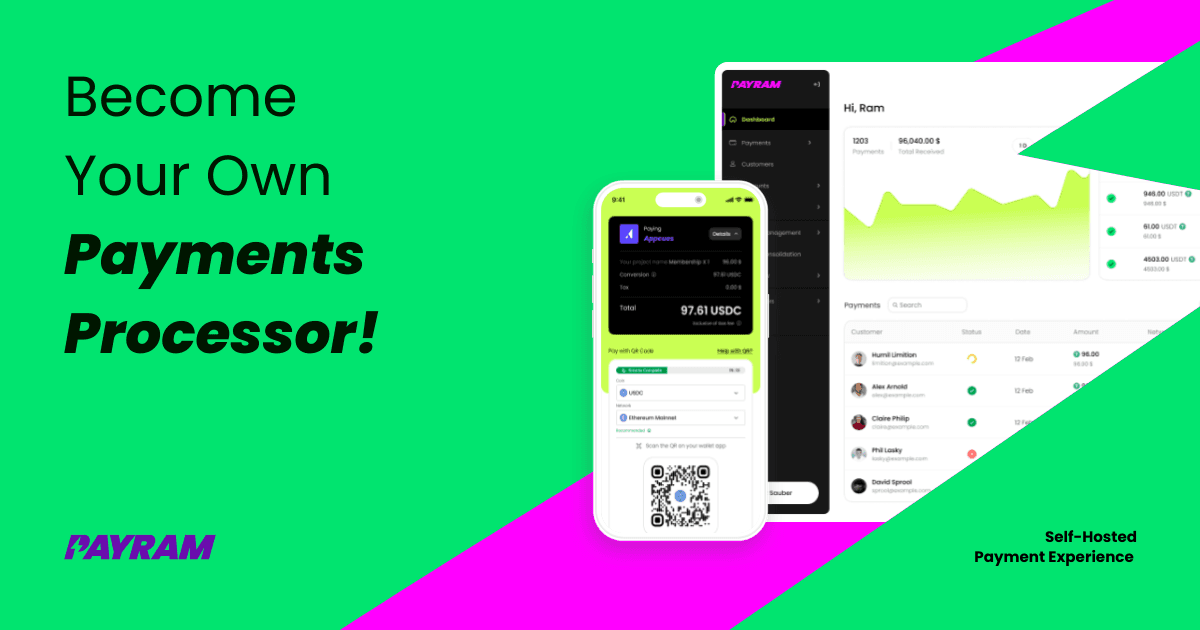
This is what your self-hosted payment gateway looks like. Real-time deposits, multi-chain analytics, sweep status, webhook logs — all on your server, under your control.
No signup. No demo request form. Just click and explore.
One address per customer. One wallet that’s always yours.
PayRam assigns every customer a permanent, dedicated deposit address — free to create, zero management. SmartSweep consolidates balances into your cold wallet automatically. No custody hand-off. No manual moves. Your keys, your funds.
Unique · Permanent · Free
Every customer gets their own address — forever. No sharing, no collision, zero cost to create.
Sweeps automatically
SmartSweep moves every balance to your cold wallet the moment it crosses your threshold. You watch — you never touch.
Always your custody
Funds land in YOUR cold wallet. Not an exchange. Not PayRam. The private key never leaves your hands.
Add Funds is the fastest way to accept crypto.
Instead of building a checkout page, embed one button. Customer clicks "Add Credit," picks their amount, pays with crypto or card, and you get a webhook. No cart integration. No payment form. Works on any site.
Add PayRam to your site in 2 minutes.
Drop this script tag into any HTML page. It renders an "Add Credit" widget that connects to your PayRam server.
<script
  src="https://payram.com/widget/payram-add-credit-v1.js"
  data-payram-url="https://your-payram-server.com"
  data-api-key="your-api-key"
  data-amounts="5,10,25"
  data-theme="dark"
></script>
Configuration
data-payram-url — your PayRam server URLdata-api-key — your API keydata-amounts — preset amounts (comma-separated)data-theme — "dark" or "light"data-customer-email — pre-fill emailWhat it renders
SDK & API Reference
Create payments programmatically. Use the payram npm package or call the REST API directly.
import { Payram } from 'payram'

const payram = new Payram({
  baseUrl: 'https://your-payram-server.com',
  apiKey: 'your-api-key',
})

// Create a payment
const payment = await payram.initiatePayment({
  customerEmail: '[email protected]',
  customerId: 'cust_123',
  amountInUSD: 25,
})

// payment.reference_id — track this
// payment.url — redirect customer here
API Endpoints
POST /api/v1/payment — Create a paymentGET /api/v1/payment/:reference_id — Check statusPOST /api/v1/deposit-address/reference/:id — Get deposit addressAPI-Key headerWhen the customer pays, you get this.
PayRam POST-requests your webhook URL with payment details. Verify, fulfill, done.
{
  "event": "payment.confirmed",
  "reference_id": "ref_abc123xyz",
  "amount": 25.00,
  "currency": "USDC",
  "blockchain": "ETH",
  "txid": "0xabc123...",
  "confirmations": 1,
  "customer_email": "[email protected]",
  "customer_id": "cust_123",
  "status": "confirmed",
  "timestamp": "2026-03-31T10:15:30Z"
}Ready to go live?
You just saw how it works. Deploy your own PayRam — self-hosted, self-custody, no signup. Accept crypto and card payments in 5 minutes.